Create Beautiful Kids' Math Worksheets
In Minutes — No Design Skills Required
For the first time, there's a tool that lets you generate vibrant, print-ready math pages kids actually want to do — with 5 adorable themes — fully KDP-ready — without Photoshop, Canva, or a single design skill.
100% money-back guarantee for 30 days. No questions. No hassle.
If You've Ever Spent Hours Trying to Create One Decent Math Worksheet for a Child...
Read Every Word Below.
There's a story most parents, teachers, and KDP publishers know all too well — the story of long evenings hunched over a screen, tweaking pixels, dragging clip art, and still not being happy with the result.
You have a clear vision. A beautiful, engaging math workbook that kids love — one that sells on Amazon KDP and generates passive income month after month. The idea is crystal clear in your head. But the moment you open Canva, Photoshop, or Excel... everything becomes so complicated you want to give up entirely.
I know that feeling. And that's exactly why I built KidSheet AI.

But before I tell you about the solution, let me ask you something directly: Do any of these sound familiar?
- Spending 3–5 hours just to produce one "good enough" math sheet — while others are listing their third new book this week
- Having no background in Photoshop, Illustrator, or any design software — and feeling hopelessly left behind
- Creating worksheets that look dull and plain — no color, no characters, nothing that makes a child want to pick up a pencil
- Exporting low-quality PDFs that don't meet KDP specs — getting rejected or printing blurry
- Having to start from scratch every time you switch themes — wasting time you don't have
- No library to save your work — every creation is lost the moment you close the window
If you nodded at even one of those — you are in exactly the right place.
The Problem Isn't You. The Problem Is That the Tools You're Using Were Never Built for This Job.
Canva is a great tool — but it was built for everybody, not specifically for someone creating kids' math workbooks. Excel is powerful for calculations, not design. Photoshop? You'd need months of learning before producing anything polished.
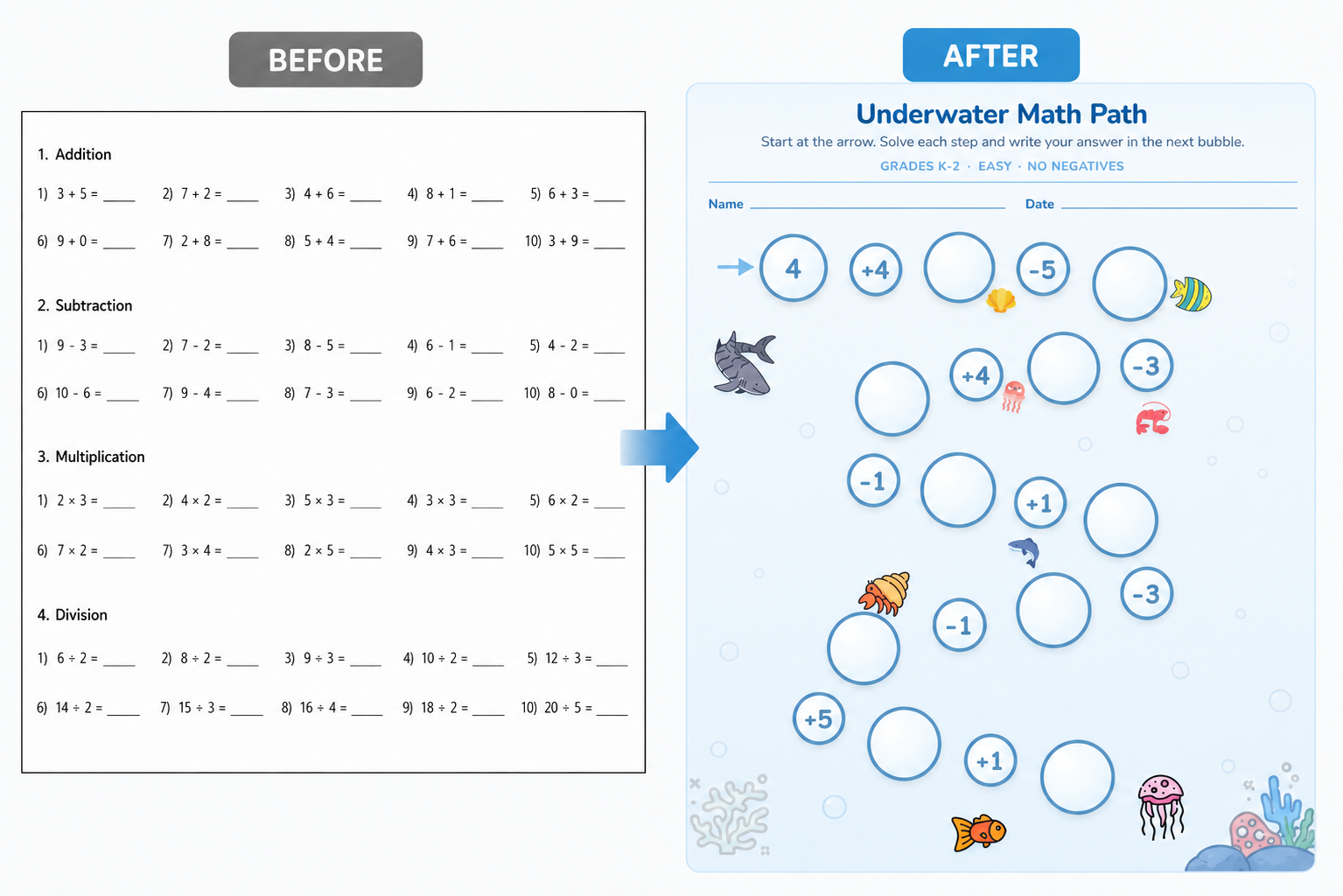
Not one of those tools was purpose-built to generate bright, print-perfect, theme-rich math pages that children find irresistible — in minutes instead of hours.
That's precisely what KidSheet AI does for you.
Meet KidSheet AI — The First Worksheet Tool Built Specifically for KDP Publishers Who Want to Create Math Books Kids Love
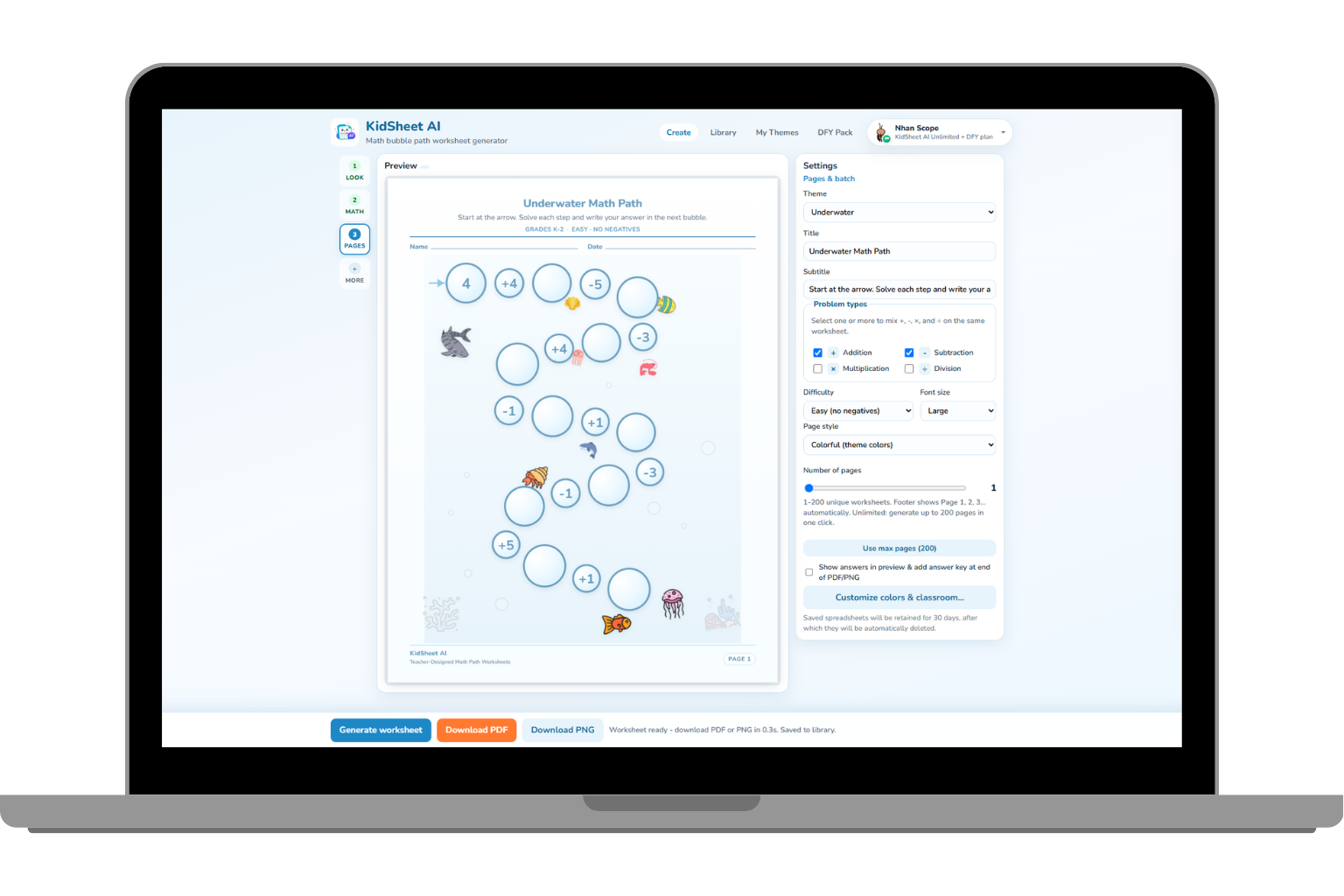
KidSheet AI is not a general-purpose app. It was built with one mission: to help you create math worksheet pages so visually engaging that kids ask to do more — without any design experience whatsoever.
And when you're done? One click gives you a KDP-ready PDF at 8.5×11 inches · 300 DPI ready to upload to Amazon — or a high-resolution PNG at 2550×3300 px for any other use you have in mind.
Here's Everything You Get With KidSheet AI
No bloat. Every feature was designed to help you create better products, faster — and sell more of them.
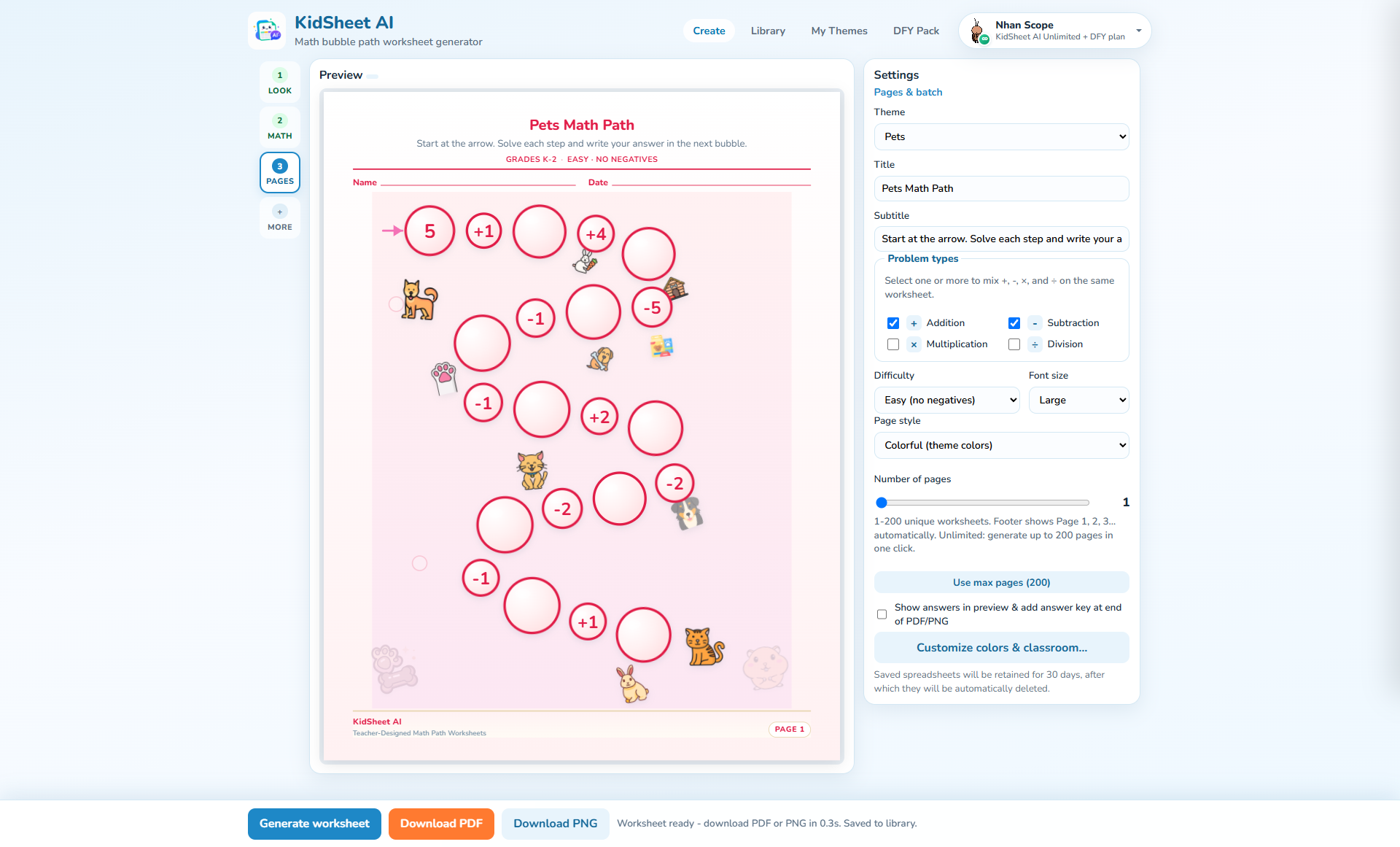
Underwater, School, Farm, Summer, and Pets. Each theme has its own color palette, custom icons, and signature bubble paths — giving every worksheet a cohesive, branded look that stands out on KDP shelves.
Each theme comes with multiple page style variations — all with themed icons and bubble path decorations — so every page in your book looks lively, consistent, and irresistible to young learners.
Addition, Subtraction, Multiplication, Division — all on the same spreadsheet. No more building separate files for each operation. Fully customizable for any grade level from 1st to 5th.
Generate a complete 25-page workbook with a single click. No more building pages one at a time. This means you can produce an entire publishable book in a single morning instead of an entire week.
Every creation is saved to your Library. Open it again, adjust it, re-export it whenever you need. Nothing is ever lost. Your Library grows into a catalog of ready-to-publish assets over time.
PDF: 8.5×11 in · 300 DPI — meets Amazon KDP interior specs exactly, ready to upload. PNG: 2550×3300 px per page — ZIP-compressed for bulk exports — perfect for digital downloads, classroom printing, or any other use.
What Does Your Life Look Like With KidSheet AI Starting Today?
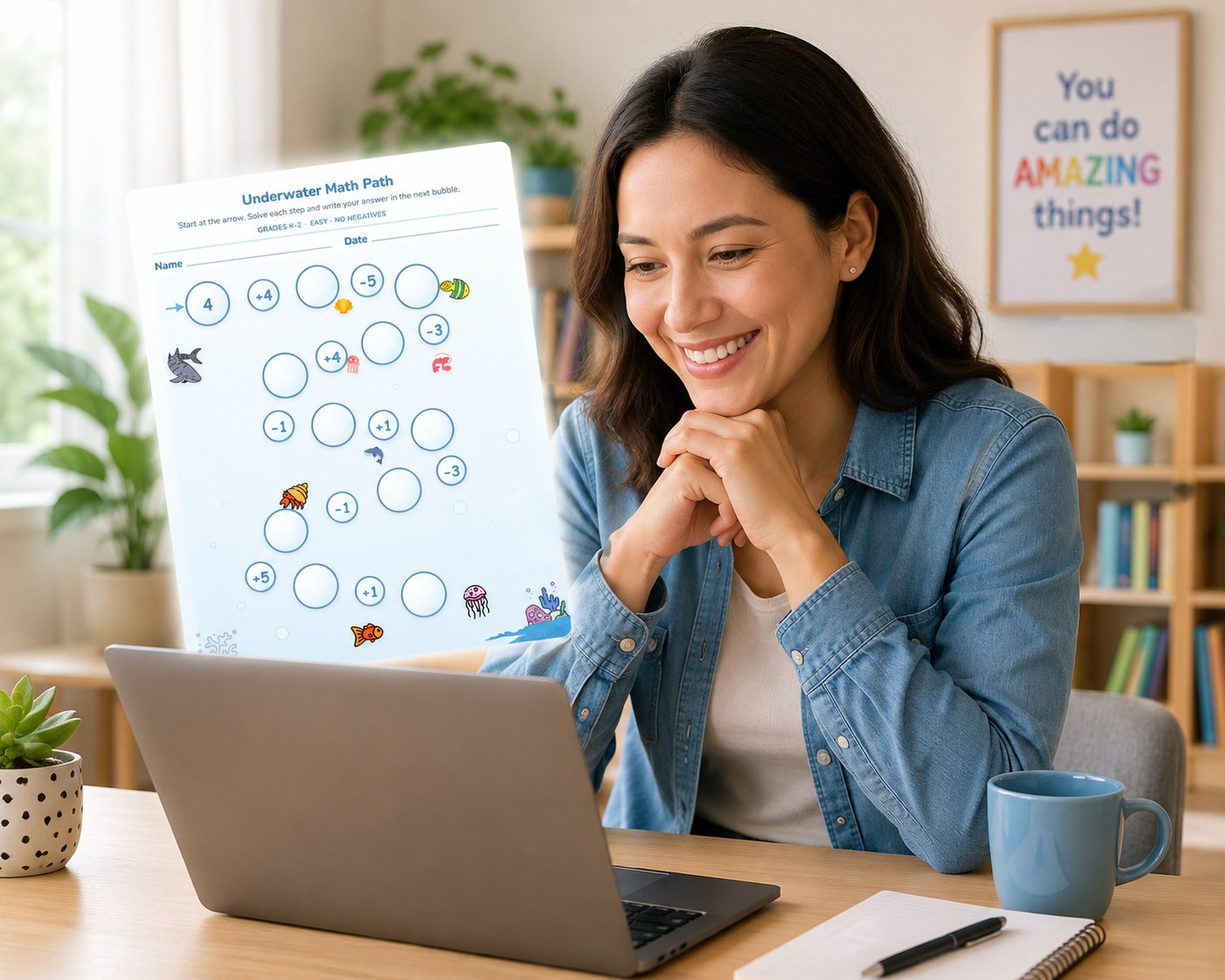
- Saturday morning, instead of wrestling with Canva for hours, you open KidSheet AI, pick the Pets theme, hit create for 25 pages — and in 10 minutes, you have a complete, polished workbook ready to upload to KDP.
- Your child looks at the worksheet and — for the first time in living memory — sits down and starts working on it without being asked, because the fish, bubbles, and puppies on the page pulled them in.
- Your students stop complaining that "math is boring" — because colorful, themed pages turn a math period into an adventure they look forward to.
- Your passive income from KDP starts to compound — because you can release products consistently without design being the bottleneck that slows everything down.
- Your Library grows richer — every creation saved, every file ready to re-export in a new format the moment you need it.
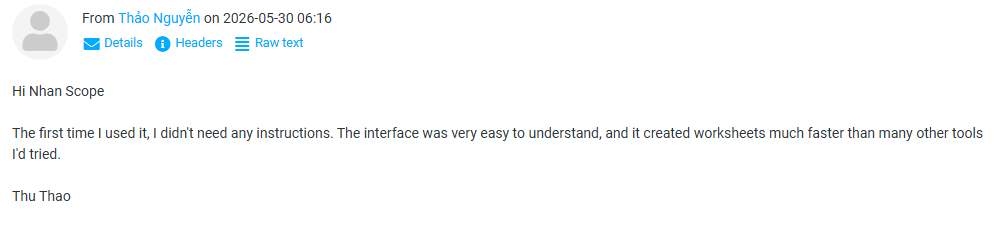
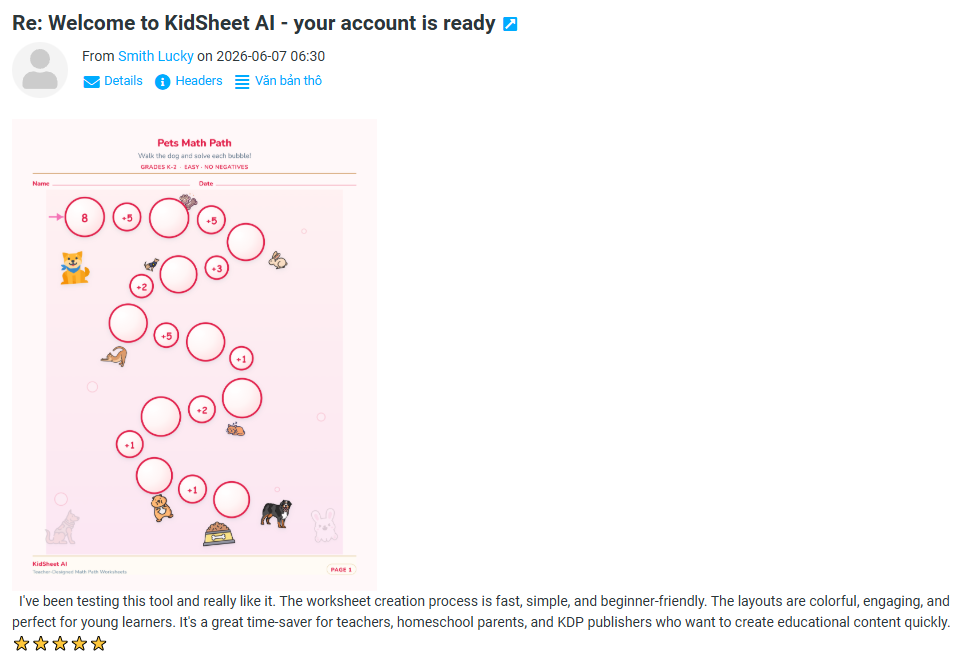
Here's What Early Users Are Saying About KidSheet AI



KidSheet AI Is Perfect For You If...
- You sell — or want to start selling — activity books on Amazon KDP and need to create content faster and with more visual appeal
- You're an elementary school teacher who wants rich, engaging math materials without spending hours on design
- You're a parent who wants to print high-quality, themed math practice pages for your child at home
- You create educational content or are building a children's book brand
- You're not a designer but you want your products to look like a professional made them
KidSheet AI Is NOT For You If...
- You want an all-in-one tool that does everything — KidSheet AI is intentionally specialized for kids' math worksheets, and that focus is what makes it excellent
- You're creating content for middle school or high school audiences — this tool is optimized for elementary-age learners
- You plan to buy it and never open it — this investment works best for people who are ready to take action
"But What About..." — Let Me Address Your Doubts Right Now
❓ "I'm not tech-savvy. Can I really use this?"
Absolutely. KidSheet AI was designed around one philosophy: if you can click a mouse and pick a color, you can use this tool. No complex installation, no coding, no design knowledge required. The interface is intuitive and guided. Most users create their first product within minutes of their first login.
❓ "Only 5 themes — is that enough variety?"
Five themes with multiple page style variations each means you can produce dozens of visually distinct products without repeating yourself. Underwater, School, Farm, Summer, and Pets aren't random choices — they're the five most universally loved themes among children. And the theme library will continue to expand with updates.
❓ "Can I really mix addition, subtraction, multiplication, and division on the same page?"
Yes — and this is one of the most-requested features. You can combine all four operations on a single spreadsheet, making it ideal for mixed-review worksheets, end-of-unit tests, or any multi-skill practice session.
❓ "Does the exported file actually meet KDP specs?"
Yes — it was engineered specifically for KDP. The PDF exports at exactly 8.5×11 inches at 300 DPI — the standard Amazon KDP requirement for book interiors. The PNG exports at 2550×3300 px — print-quality resolution for any purpose: digital download, in-class printing, or beyond.
❓ "Do I pay a monthly subscription after buying?"
No. Absolutely not. $27 is a single, one-time payment. No subscription, no monthly charge, no surprise renewal fees. You pay once and you own it forever. That's our commitment to you.
❓ "What if I'm not satisfied?"
You're protected by a 100% money-back guarantee for 30 days. No questions asked. No explanation required. Simply send an email and we'll refund you immediately. The entire risk is ours — not yours.
How Does $27 Compare to Your Alternatives?
Let's be honest. If you don't use KidSheet AI, what are your options?
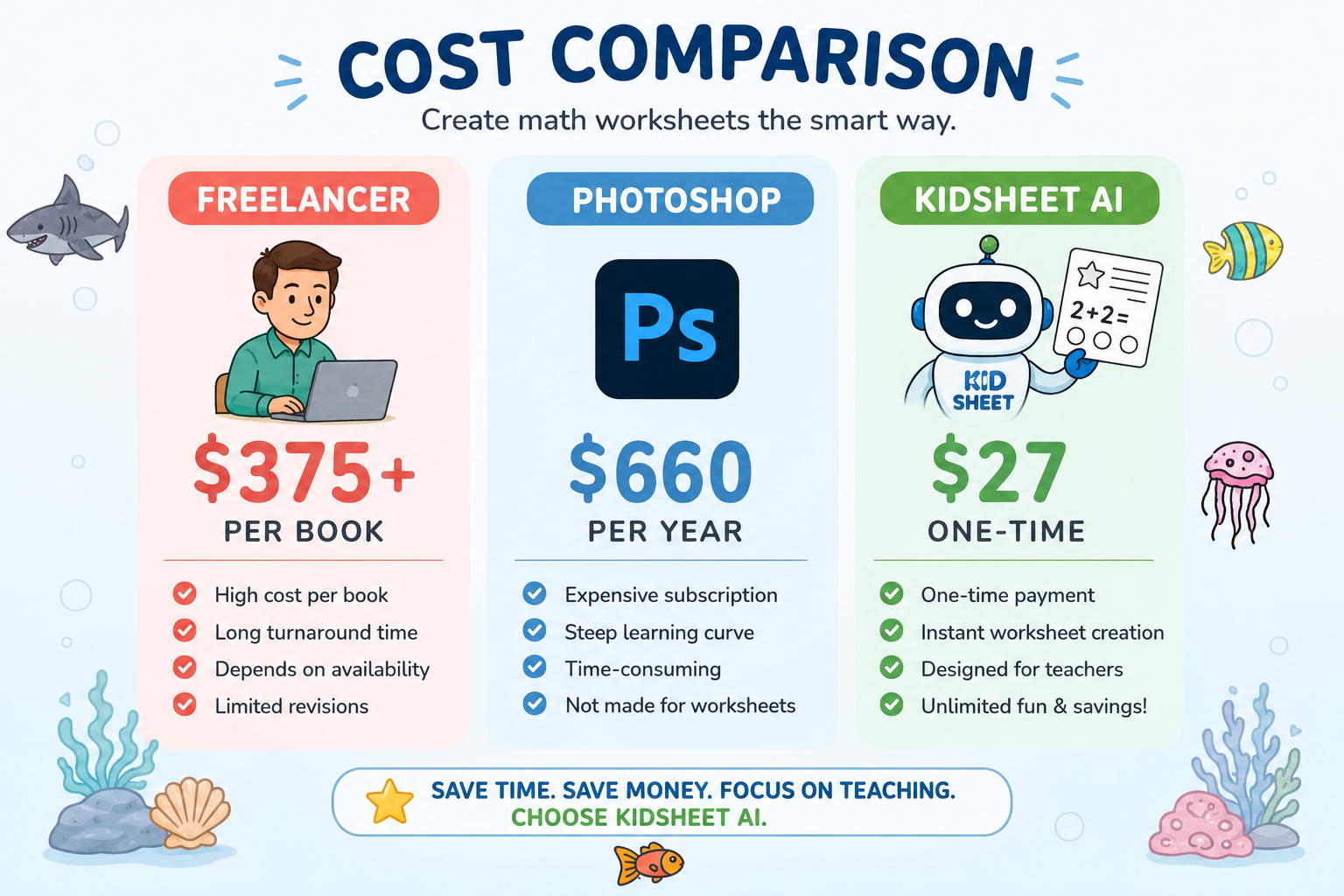
- Hire a freelance designer: $15–$50 per worksheet page. A 25-page book = $375–$1,250. And you're at the mercy of their schedule.
- Learn Photoshop or Illustrator: Hundreds of hours of learning plus a $55/month subscription — and still no guarantee of professional-looking results.
- Buy Canva templates: $15–$40 per template, limited customization, no guaranteed KDP compliance, and a fresh struggle every time you want to change anything.
- Build it in Excel or Word: Results look bland and uninspiring to children — and you still spend half a day just getting the formatting right.
Or... you invest $27 one single time in KidSheet AI and solve all of the above. Permanently.
I want you to feel completely safe making this decision. That's why this guarantee exists: Use KidSheet AI for 30 days. If you're not satisfied for any reason — or no reason at all — just send me an email and I'll refund you 100% immediately. No questions. No hassle. Not a single dollar held back. The risk is entirely mine. You have nothing to lose — and everything to gain.
Ready to Get Started?
Get KidSheet AI today and create your first product before tonight is over.
- 5 themes: Underwater, School, Farm, Summer, Pets
- Colorful page styles with themed icons & bubble paths
- Mix +, −, ×, ÷ on the same spreadsheet
- Create up to 25 pages — with one click
- Library — save & reopen your work anytime
- KDP-ready PDF export (8.5×11 in · 300 DPI)
- PNG export at 2550×3300 px (ZIP for bulk pages)
- Free future updates included
- 100% money-back guarantee for 30 days
🔒 Secure checkout · 30-day money-back guarantee · Instant access after payment
One Year From Today, What Will You Look Back and Say?
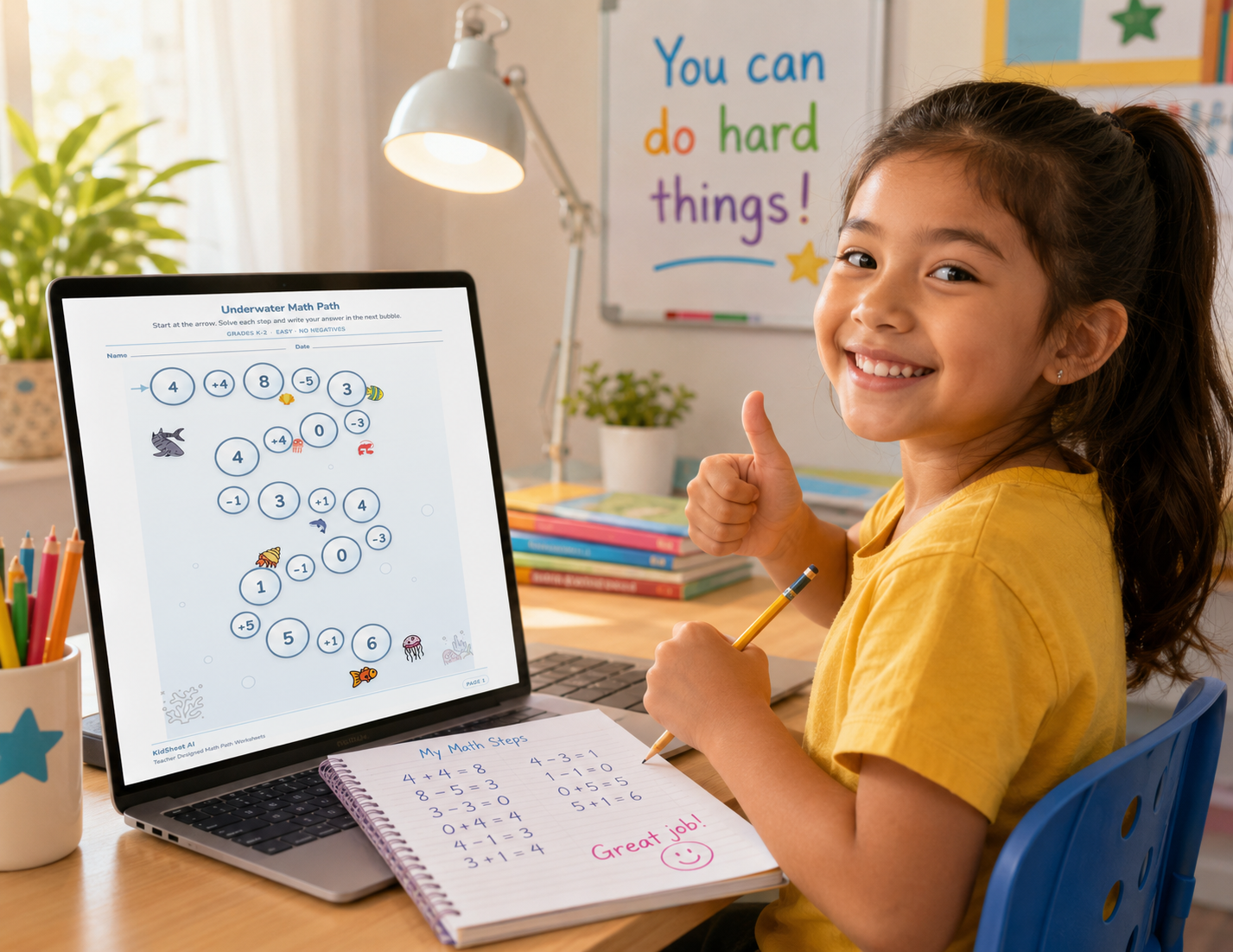
There are two possible futures waiting for you one year from today.
The first: You keep doing things the old way — wrestling with Canva and Excel, spending hours per product, your catalog growing too slowly, your KDP passive income never quite reaching the level you dreamed of. One year from now, you're still in the same position.
The second: Today you make one small decision — a $27 investment. And one year from now, you have a thriving product library, your 10th or 20th book selling on KDP, and you look back on this moment with gratitude for the choice you made.
The only difference between those two futures is the decision you make right now.
KidSheet AI is ready. Your Library is empty and waiting to be filled. Five beautiful themes are waiting for you to turn them into products that children love.
I'll see you on the other side.
— The KidSheet AI Team
🛡️ 100% money-back guarantee for 30 days · No monthly fees
Don't Let This Opportunity Slip By While You Wait for the "Right Moment"
The best time to start is today. KidSheet AI is here. $27 one time. 30-day money-back guarantee. Nothing to lose — and everything to gain.
👉 I Want KidSheet AI — Right NowOne-time payment · Instant access · 30-day guarantee
Still Have Questions? I've Got Answers.
How do I access the software after purchasing?
As soon as your payment goes through, you'll receive an email with access instructions. The process is fully automated and typically takes less than 2 minutes.
Does KidSheet AI work on a Mac?
Yes. KidSheet AI works on both Windows and Mac. All you need is a modern web browser — no additional software installation required.
Will I get support if I run into an issue?
Absolutely. Our email support team is ready to help. Standard response time is within 24 hours on business days.
Is there a limit on how many products I can create?
No limits. You can create as many math workbook sets as you want — there's no cap on products created or files exported.
References to royalties and recurring earnings describe the general nature of the Kindle publishing model—not guaranteed outcomes from using this software. This is a digital product—once access is granted, Refunds are available within 30 days of purchase. After 30 days, all sales are final.
Notice: this is not a part of ElegantThemes, Google, the Facebook Website, or Meta Platforms, Inc.. Also, this site is NOT endorsed by ElegantThemes, Google or Facebook in any way. This product is not owned by and is not endorsed by any third party.
Every effort has been made to accurately represent the products offered through our website and their potential. While we believe the claims and examples presented are accurate, they should not be solely relied upon when making a purchasing decision. The testimonials and examples used are extraordinary results and do not reflect the average purchaser's experience; they are not intended to guarantee that any individual will achieve the same or similar results. Success with our products depends on various factors including your background, dedication, desire, and motivation, as well as external factors beyond your control. There is no guarantee that you will duplicate the results featured on this site. Each person's success is influenced by their unique circumstances and the effort they put into utilizing the system.
Please understand that any business endeavor carries inherent risks, including the potential loss of capital. This system is NOT a passive income or 'get rich quick' scheme. It requires consistent action, effort, and commitment. We cannot make any promises of success, as outcomes are entirely dependent on your initiative and actions.
Additionally, managing a website involves understanding legal obligations, such as complying with data privacy laws and managing risks related to defamation through user-generated content. We strongly recommend consulting with a legal professional to ensure full compliance with these responsibilities. There is no guarantee of income or success, and the results mentioned are not typical—achieved through hard work, determination, and consistent follow-through. You will not achieve results if you do not take action. Our products are designed to provide you with marketing tools, done-for-you assets, and guidance to help grow your business, but ultimately, the responsibility to act lies with you. If you are looking for an effortless, magical solution that brings immediate success without action, this product is not for you. Please thoroughly review the details on this page and ensure you're ready to take persistent action before making your purchase. If you're not prepared to put in the effort required, we kindly suggest you refrain from purchasing.